
Best under desk storage for home offices usually comes down to one thing: you need more usable space without sacrificing legroom or making your workspace feel cramped. If your printer box, cables, paper stacks, and random “I’ll file it later” piles keep migrating under the desk, you’re not alone.
The tricky part is that under-desk storage is not one-size-fits-all. A sit-stand desk needs a different approach than a fixed-height desk, and a carpeted spare bedroom behaves differently than a hardwood-floored nook in the living room. Get the wrong piece and you’ll hate it every time you roll your chair back.
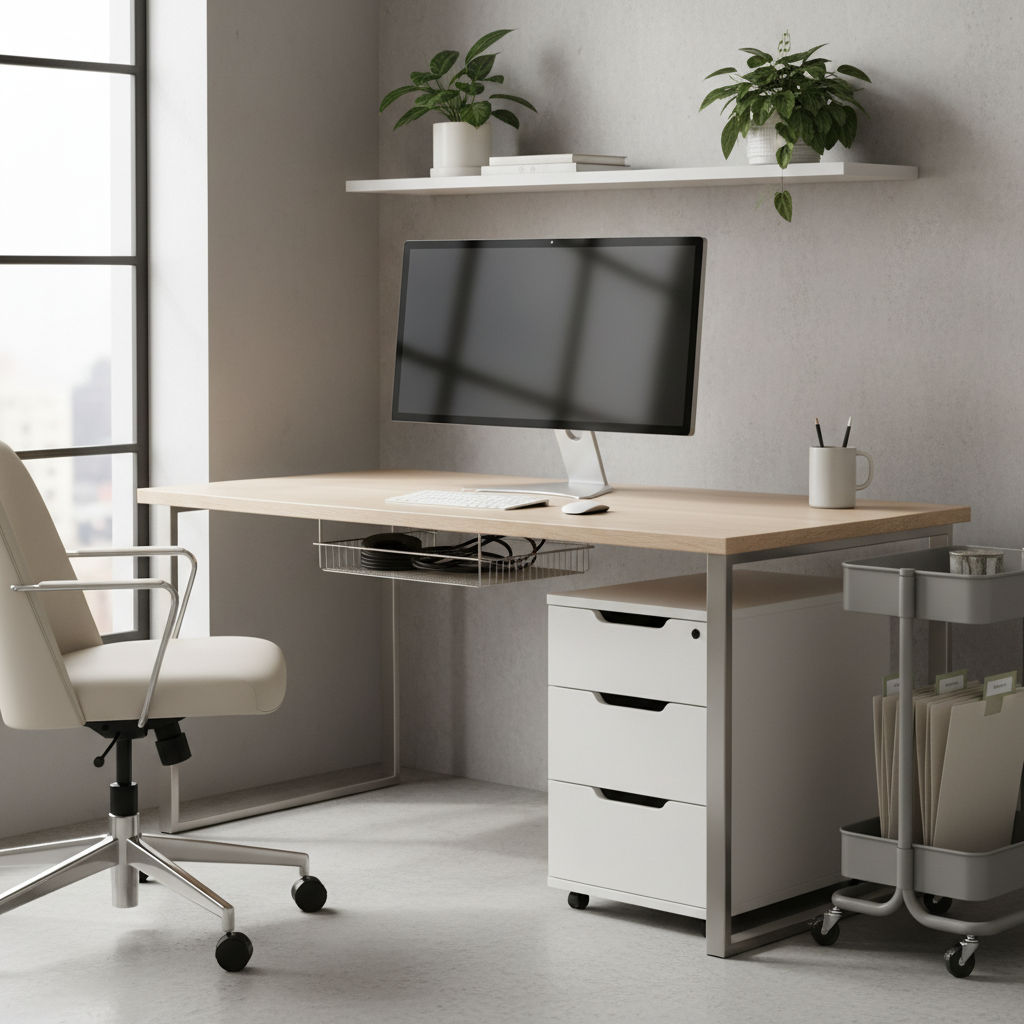
This guide focuses on practical picks and how to choose them, including a quick comparison table, a decision checklist, and setup steps that work for most U.S. home offices. No hype, just the stuff that tends to make daily work smoother.
What makes under-desk storage “best” (it’s not only capacity)
Storage under a desk has a job beyond holding items, it should protect your working posture and your workflow. If the solution forces you to twist, bump your knees, or constantly pull things out to access other things, it’s not really a solution.
- Legroom first: measure depth and knee clearance, then shop. Most regrets come from ignoring this.
- Access pattern: daily items need one-hand access, occasional items can live deeper or lower.
- Desk type: sit-stand frames and crossbars can block drawers and rolling units.
- Noise and stability: cheap wheels rattle, and flimsy drawers wobble when you open them.
- Cable reality: storage that ignores power bricks and cords often creates a mess behind the “organized” front.
Key takeaway: the best under-desk setup is the one you stop noticing after a week because it stays out of your way.
Quick comparison table: common under-desk storage types
If you’re deciding between a few categories, this table tends to clarify things quickly. Think of it as “what problem am I solving” rather than “what looks nice in photos.”
| Type | Best for | Watch-outs | Typical fit |
|---|---|---|---|
| Rolling file cabinet | Paper-heavy work, shared printer supplies | Can steal legroom, wheels may snag on thick carpet | Beside desk or corner under desk |
| Under-desk drawer (mount-on) | Small items you use daily | Desk thickness and hardware alignment matter | Centered or off-center under desktop |
| Slim storage cart | Tight spaces, flex storage | Can tip if top-heavy, limited file support | Between desk and wall |
| Cable tray + power mount | Decluttering cords and power bricks | Needs drilling or clamps, heat/airflow considerations | Under desktop rear edge |
| Hanging bins / hooks | Headphones, bags, light accessories | Weight limits, can bump knees if placed poorly | Desk side panels or underside edges |
Best under desk storage for home offices by scenario
When people search for best under desk storage for home offices, they’re usually in one of these situations. Match the scenario first, then pick the product type that behaves well in that environment.
If you have a sit-stand desk
Moving desktops amplify cable issues and can turn rolling storage into a collision hazard. Prioritize solutions that move with the desk or stay completely outside the travel zone.
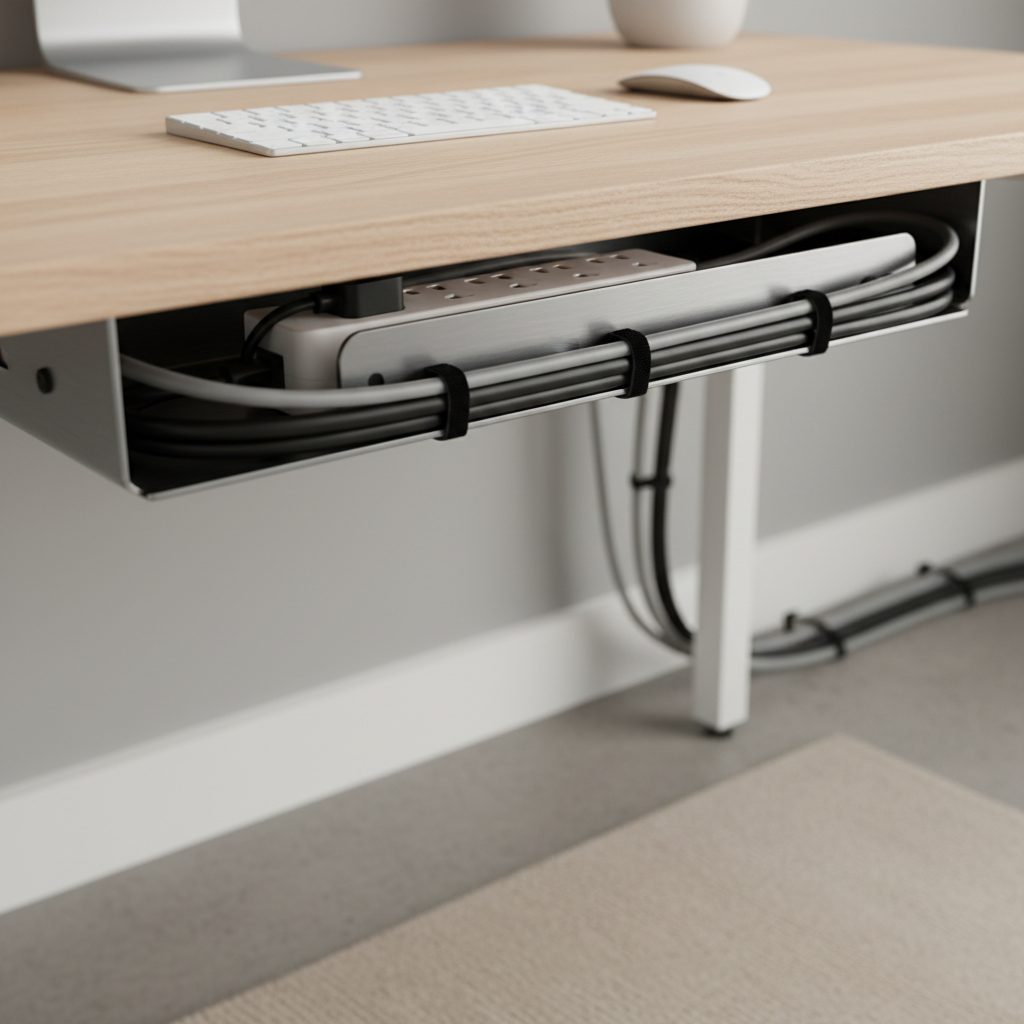
- Start with a cable tray and mount the power strip under the desktop, not on the floor.
- Use a shallow mount-on drawer for pens, notepads, USB drives, and adapters.
- Keep rolling cabinets offset to one side, so the lift column never hits them.
If your desk sits on thick carpet
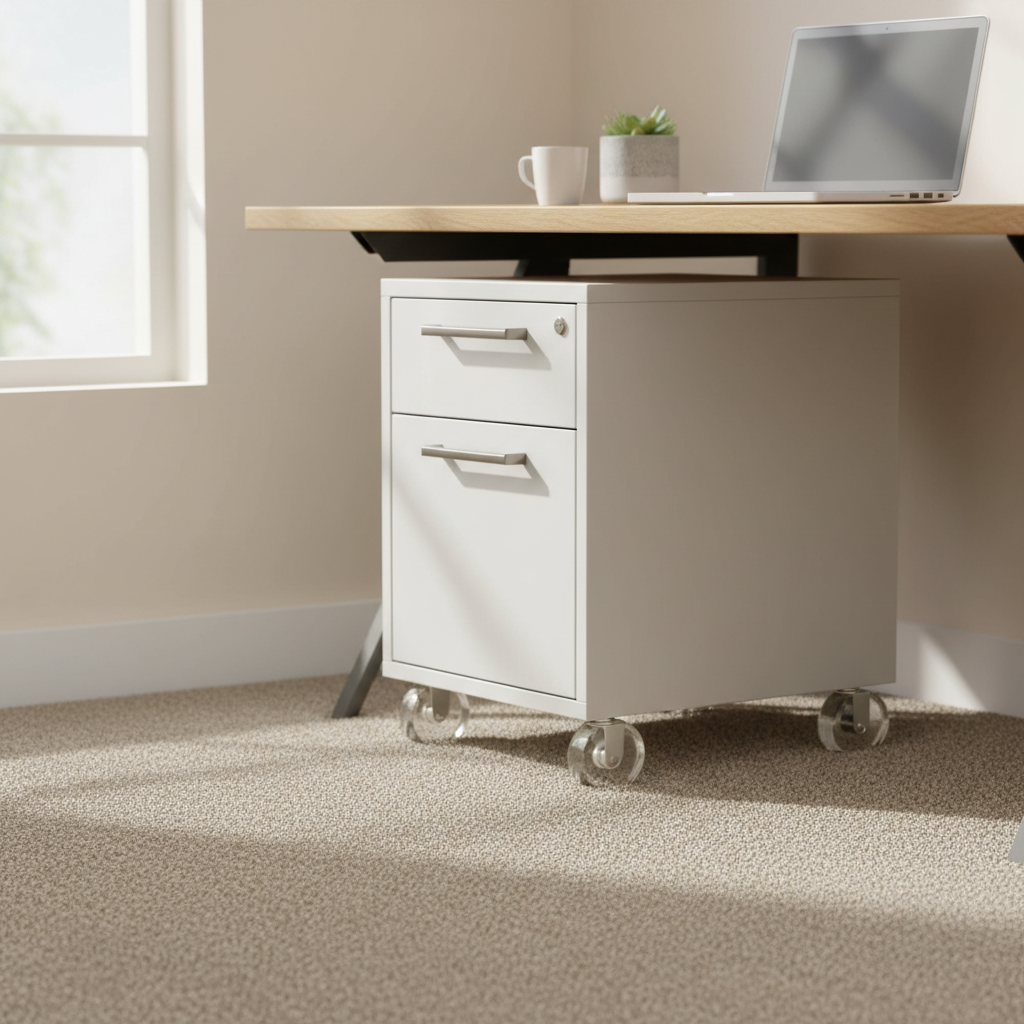
Carpet makes “rolling” storage feel like dragging a cooler across sand. It can still work, but you’ll want larger casters or a different style altogether.
- Choose cabinets with larger, softer wheels, they tend to roll better on pile.
- Consider a non-rolling pedestal or a fixed cubby that slides in and stays put.
- Keep the heaviest items low to reduce wobble when drawers open.
If you’re mostly digital but drowning in small stuff
This is the “I don’t have many papers, but I have a thousand little objects” setup: chargers, dongles, sticky notes, stylus, batteries, receipt piles, and mystery cables.
- A single under-desk drawer plus a small organizer insert usually beats a big cabinet.
- Add one vertical bin for items that can’t lay flat, like headsets or external drives.
- Use cable clips so the drawer doesn’t become a cord catch.
If you print, file, or ship things
If your home office includes paperwork, returns, or shipping supplies, a rolling file cabinet often makes sense, but only if you plan zones inside it.
- Top drawer: daily-access supplies (stapler, labels, scissors).
- File drawer: active projects, not your entire life archive.
- Bottom area or side slot: paper reams, envelopes, or a compact printer if the cabinet is rated for it.
A quick self-checklist before you buy anything
A lot of under-desk shopping goes wrong because the measurement happens after the purchase. This 3-minute checklist saves you the return trip.
- Clear width: distance between desk legs or any crossbar.
- Clear depth: how far your chair slides in when you sit comfortably.
- Knee zone: where your knees move during the day, not just where they are at rest.
- Outlet placement: wall outlets, surge protector position, and cable lengths.
- Floor type: carpet vs hardwood, plus any baseboards that block flush placement.
- One daily annoyance: pick the #1 clutter pain point to solve first, not five at once.
According to OSHA, good housekeeping in work areas helps reduce hazards like tripping and blocked access. In a home office, “hazard” often means cords and loose items migrating into your foot space, so tidy storage can be a safety move as much as a neatness move.
How to set up under-desk storage so it stays organized
Buying the right unit helps, but setup is where most systems either stick or fall apart. The goal is fewer micro-decisions during your day.
Step 1: Put cables on a “ceiling,” not a “floor”
Before you slide anything under the desk, mount or clamp a cable tray and secure the power strip. When cords live on the floor, storage turns into a cord trap and cleaning becomes annoying.
- Bundle slack with reusable ties, avoid overtightening to reduce wear.
- Separate power bricks so they can breathe, heat buildup can be an issue in some setups.
Step 2: Assign storage by reach
Keep everyday items within arm’s reach, occasional items can go lower or farther back. This is basic ergonomics, but people skip it and then wonder why they never use the storage.
- Tier A (daily): top drawer or under-desk drawer.
- Tier B (weekly): lower drawer, side cart, or back corner bin.
- Tier C (rare): outside the desk zone, closet shelf, or labeled box.
Step 3: Add one “mess buffer” on purpose
You need a small place for the stuff you’re actively working on, otherwise it spreads. A thin pull-out tray, a magazine file, or a single open bin can work as the buffer.
Common mistakes (and what to do instead)
These are the issues that quietly make under-desk storage feel “worse than clutter,” because now you have clutter plus friction.
- Mistake: buying the tallest cabinet that fits.
Do instead: protect legroom and choose a unit that sits slightly to the side, even if capacity drops. - Mistake: using drawers for tangled cables and chargers.
Do instead: dedicate a small pouch or divided tray so you can grab the right cable without dumping the drawer. - Mistake: placing storage where your chair needs to swing.
Do instead: mark your chair’s movement zone for a day, then position storage outside it. - Mistake: overcommitting to paper storage “just in case.”
Do instead: keep active files under the desk, archive elsewhere and label it clearly.
If you share the space with kids or pets, avoid leaving heavy items on top of rolling units, tipping risk varies by design and floor type. If you’re unsure, check the manufacturer’s weight guidance and consider a wider base.
When it’s worth getting help or upgrading the setup
Most people can handle this with a tape measure and a screwdriver, but a few situations justify extra support.
- You’re adding multiple monitors and power bricks and need a cleaner electrical plan, an electrician may be appropriate depending on the room and outlets.
- Your desk wobbles after mounting drawers or trays, a sturdier desktop or different mounting method can matter more than the storage itself.
- You have persistent discomfort from bumping knees or awkward reaching, it may be worth consulting an ergonomics professional, since small layout changes can reduce strain.
Conclusion: pick the smallest change that fixes the biggest annoyance
The best under desk storage for home offices is rarely the biggest cabinet or the most expensive organizer, it’s the setup that keeps legroom open, keeps cords off the floor, and gives daily items a predictable home. If you want an easy next step, do two things: measure your knee clearance and add cable management first, then choose a drawer or rolling unit that fits the way you actually work.
If you need a more done-for-you approach, start by listing what must live within arm’s reach versus what can live outside the desk zone, then shop within that constraint. It’s a small mindset shift, but it usually prevents the classic “new storage, same mess” loop.